

Baby Buzz

Baby Bunny

Baby Boots

-


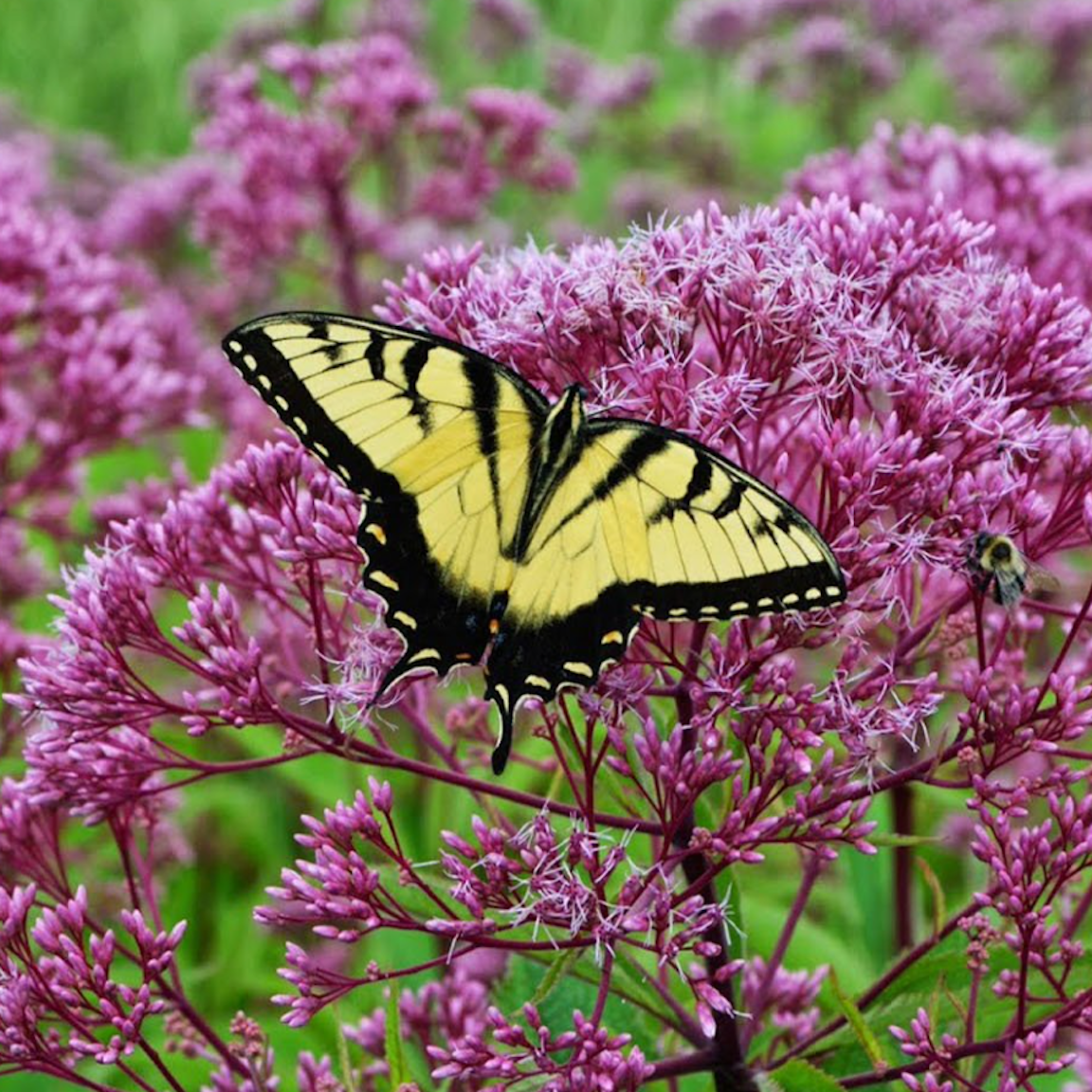
Fresh Pollen
mindful webworker on Siblings Day mindful webworker on Siblings Day chrissythehyphenated on Easter Sunday mindful webworker on Easter Sunday mindful webworker on Easter Sunday chrissythehyphenated on Bits & Bytes bluebird of bitterne… on Bits & Bytes chrissythehyphenated on Good Friday mindful webworker on Good Friday chrissythehyphenated on Bits & Bytes bluebird of bitterne… on Bits & Bytes bluebird of bitterne… on Palm Sunday chrissythehyphenated on Palm Sunday 


 polination.blog
♥♥♥♥♥
LikeLike
Okay … gotta know … what’s the code for the hearts!?!?!? :o)
LikeLike
Code?
LikeLike
I forget how to do this. It’s different for MACs and PCs. You have to call up the character chart, I believe, if you can figure out how to do that. You can always go into word, insert a symbol, then copy and paste. It doesn’t work for every font, but should for the basic ones.
LikeLike
Oh, I see what you mean, Chrissy — sorry, I’m a little slow on the uptake today. On a Mac, you click “edit,” then “special characters,” then just select and copy the symbol you want. But I have no idea how to do it on anything other than a Mac.
LikeLike
Okay, don’t know if you’ll see this addition to more-than-week-old thread but I just found it.
♥
If that works, it’s done thusly: ♥
See A list of HTML Symbol Entities Reference. Also handy is HTML ISO-8859-1 Reference, which also has links to similar pages. Another handy page — sometimes URLs have characters in them that some websites (like mine) won’t accept (e.g. ü). This page has a form which can fix such URLs (e.g. %C3%BC).
LikeLike